From camera roll to compliant image in one pass
PropertyBlur is built around how property work actually runs: dozens of frames, a tight deadline, and a client who would rather their monitor and their family portraits stayed private.
- 01
Upload a frame from the shoot
Drop in a JPEG or PNG straight off the camera. Large files are downscaled for analysis only; your download keeps the original resolution.
- 02
Detection returns bounding boxes
The image is analysed once and returns tight boxes for each risk area, with a confidence score you can see next to every region.
- 03
Redaction happens on your machine
Each region is pixelated and then blurred inside your browser canvas. The original pixels under a redaction are discarded, not layered over.
- 04
Tune, then download
Turn categories on or off, raise or lower blur strength, and re-render instantly without spending another credit. Download when it looks right.
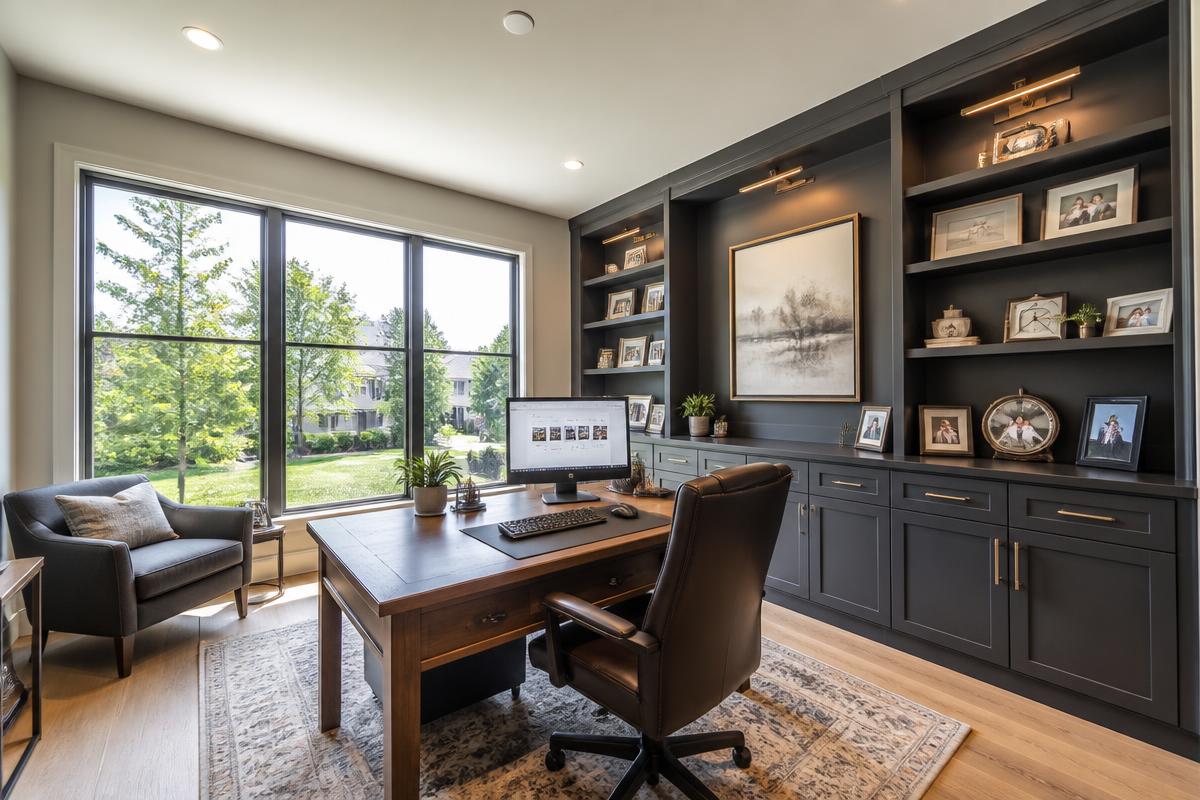 OriginalRedacting…
Compare the original and redacted photo. Drag or touch the circular divider to move it. When focused, press Left or Right Arrow to shift the divider one step. Press Home to show the original side and End to show the redacted side.
Divider at 55 percent
Home office
Monitor content and family portraits removed in one pass.
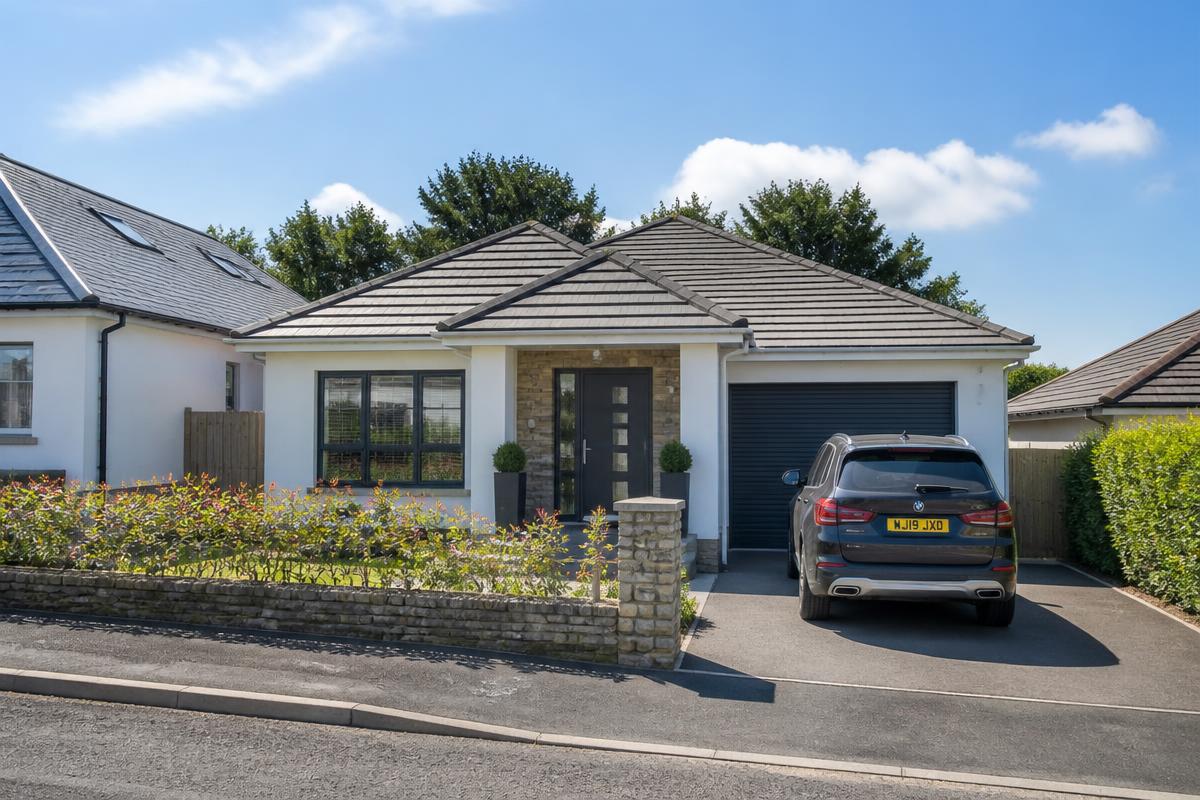 OriginalRedacting…
Compare the original and redacted photo. Drag or touch the circular divider to move it. When focused, press Left or Right Arrow to shift the divider one step. Press Home to show the original side and End to show the redacted side.
Divider at 55 percent
Front elevation
The owner's plate is gone before the photo reaches the MLS.
The three categories
Screens
Monitors, laptops, TVs, tablets and phone displays
Faces
People in frame during the shoot
License plates
Vehicle plates in driveways and on the street
Personal photos
Framed family photos and portraits on walls and shelves
Certificates
Diplomas, awards, licences and other named paperwork
Video walkthrough redaction is next. It is already part of the Basic allowance so pricing will not change when it ships.