Studio demo
Watch a listing photo get cleaned up, no login required
Drag the handle on either example below to compare the original frame with the version a broker would publish. These are the same detections and replacements the studio produces on your own shoots.
 OriginalRedacting…
Compare the original and redacted photo. Drag or touch the circular divider to move it. When focused, press Left or Right Arrow to shift the divider one step. Press Home to show the original side and End to show the redacted side.
Divider at 55 percent
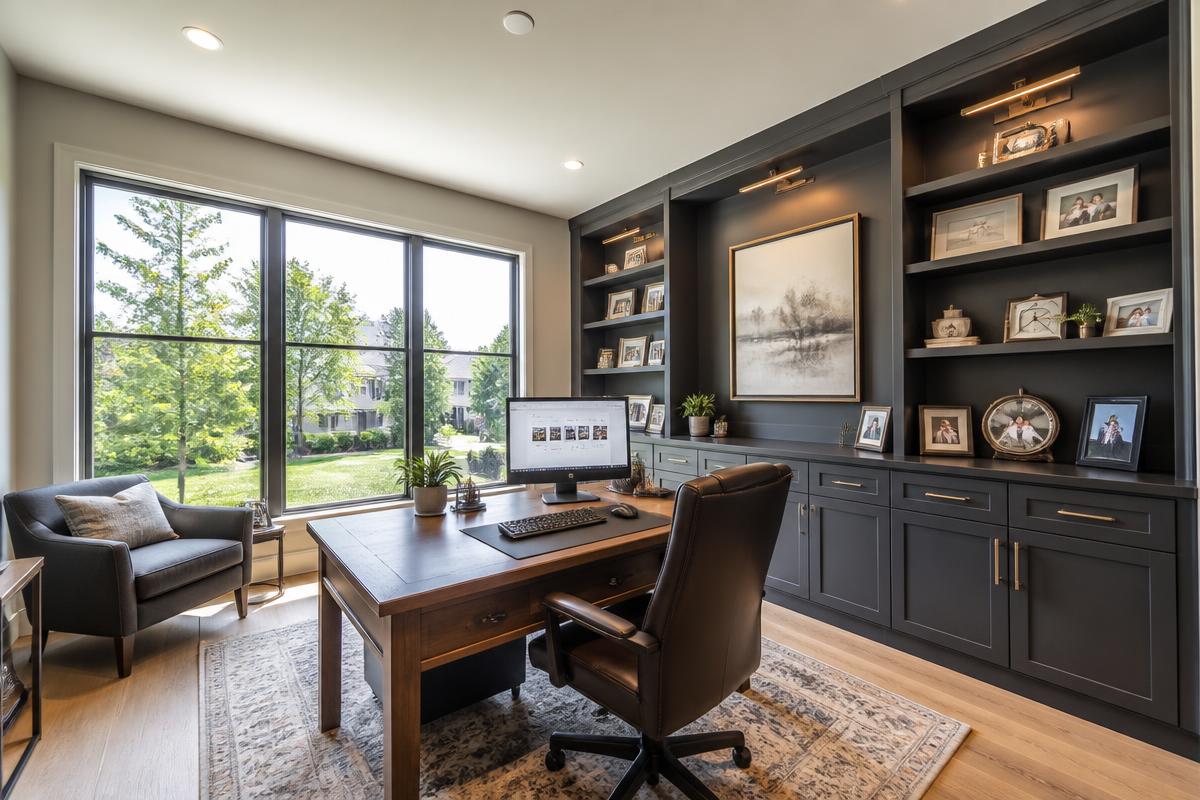
Home office
Monitor content and family portraits removed in one pass.
 OriginalRedacting…
Compare the original and redacted photo. Drag or touch the circular divider to move it. When focused, press Left or Right Arrow to shift the divider one step. Press Home to show the original side and End to show the redacted side.
Divider at 55 percent
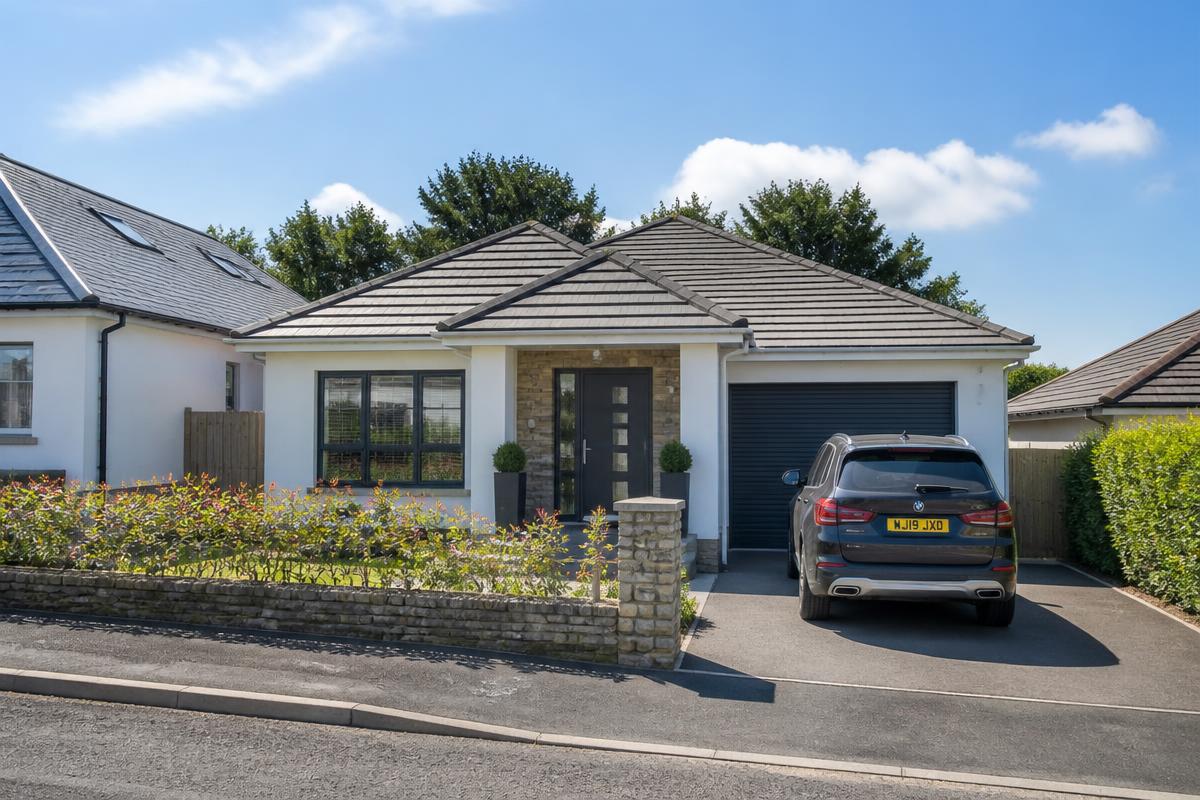
Front elevation
The owner's plate is gone before the photo reaches the MLS.
What happens inside the studio
- 01
Drop a photo into the studio
The studio accepts JPEG and PNG frames straight off the camera. A downscaled copy is used for detection only, so your download keeps full shoot resolution.
- 02
Every risk area gets a box
Detection returns a labelled bounding box with a confidence score for each screen, face, license plate, personal photo and certificate it finds.
- 03
Replacement, not just a blur
Instead of a grey smudge, each box is filled with a generic stand-in: a neutral desktop, blank artwork, an anonymous plate or an unbranded document, relit to match the room.
- 04
Adjust anything you disagree with
Draw, resize or delete boxes, switch replacement style per region, soften edges, and tune plate brightness, contrast and colour temperature until the frame reads naturally.
- 05
Export the whole set
Download the redacted frame, or a ZIP with the original, the replaced version and a regions file so your edits stay auditable.
What the studio looks for
Screens
Monitors, laptops, TVs, tablets and phone displays
Faces
People in frame during the shoot
License plates
Vehicle plates in driveways and on the street
Personal photos
Framed family photos and portraits on walls and shelves
Certificates
Diplomas, awards, licences and other named paperwork
Demo questions
- Do I need an account to see the demo?
- No. This page shows real before and after examples from the studio with no sign-up. An account is only needed when you want to run the studio on your own photos.
- Does PropertyBlur just blur the area?
- No. Blurring still signals that something was hidden. PropertyBlur replaces screens, artwork, license plates and documents with generic stand-ins that match the surrounding lighting and texture.
- Where does the redaction happen?
- Detection runs on the server and returns coordinates only. The replacement itself is rendered in your browser canvas, and the original pixels under a region are discarded rather than layered over.
- How many photos can I try for free?
- Every new account gets 3 free tests with full resolution downloads and no card required.
Try it on a frame from your last shoot
3 free tests, no card, full resolution downloads.